
Are you an architect or interior designer looking to speed up your rendering workflow?
Affiliate Disclosure: This article contains affiliate links. If you purchase through these links, we may earn a commission at no additional cost to you.
GetIMG.ai has emerged as one of the most powerful AI-powered platforms for creating, editing, and expanding architectural visual content in seconds.
In this comprehensive review, we will explore how GetIMG.ai works, its core features for 3D modeling and rendering, pricing, and how you can integrate it into your design process.
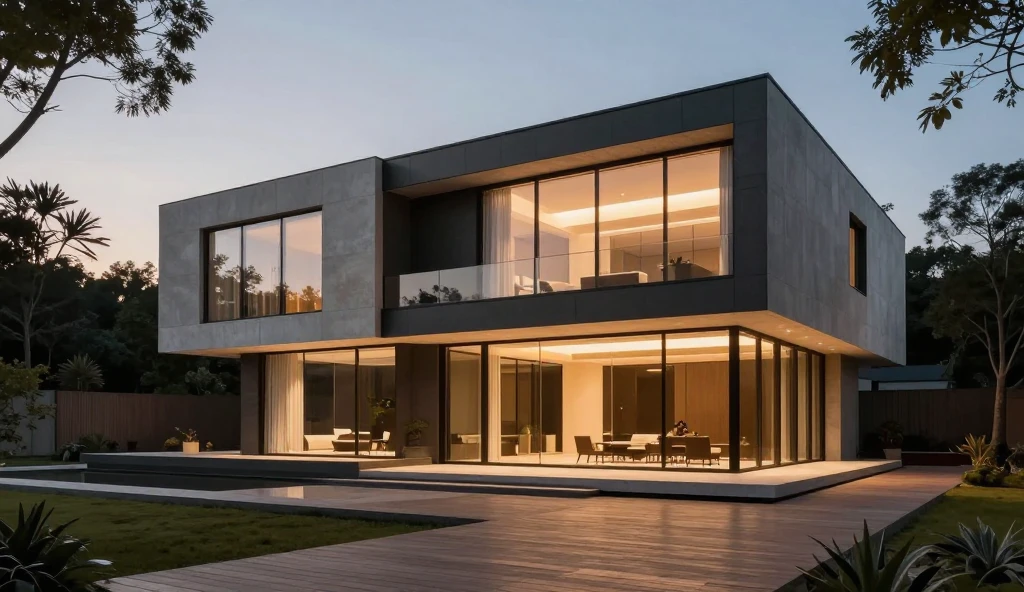
🌟 Key Features of GetIMG.ai for Architects
GetIMG is not just another simple text-to-image generator. It offers a suite of advanced features tailored for creative professionals:
- Text to Image Generation:
Generate photorealistic exterior and interior concepts simply by writing detailed prompts. - ControlNet & Sketch to Render:
Turn your basic AutoCAD, Revit, or hand-drawn sketches into fully detailed 3D renders with lighting and materials. - Inpainting & Outpainting (Canvas Editor):
Seamlessly expand your room background or modify specific areas of a design without re-rendering the whole scene. - Custom Model Fine-Tuning:
Train custom AI models using your own signature architectural portfolio for unique, consistent results.
GetIMG Pricing & Subscription Options (2026)
GetIMG offers credit-based subscription plans designed for different creative workloads, from individual designers to professional teams.
The platform currently offers Entry, Core, Plus, and Ultra plans. The number of available credits, supported AI models, and editing features depends on the selected subscription.
Each image or video generation consumes credits, with usage varying according to the model and settings.
For architects and interior designers, the best approach is to compare subscription options based on how frequently you create concept images, interior visualizations, and client presentations.
Paid subscriptions include commercial usage rights, subject to the platform’s terms and third-party rights.
Before subscribing, check the official GetIMG pricing page for the latest prices and plan details.
🚀 How to Get Started with GetIMG
- Visit the official platform and set up your account.
- Select the ControlNet tool to upload your architectural draft or floorplan.
- Write a precise prompt describing materials (e.g., scandinavian interior, oak wood, minimalist lighting).
- Click Generate and refine your render in the canvas editor.